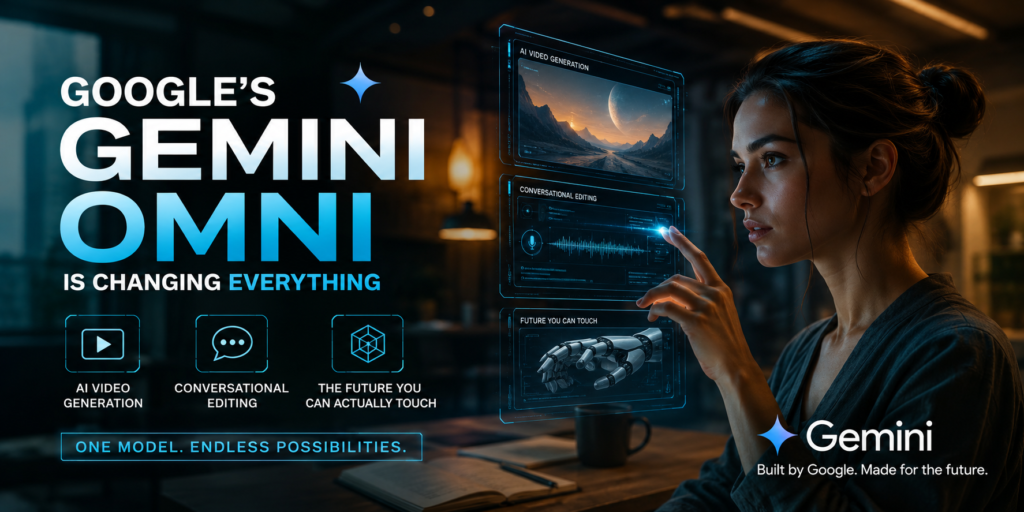
Let’s be honest — we’ve been waiting for something like this for a long time. Not just another chatbot update. Not just a smarter autocomplete. Something that actually changes the way we create. Google’s Gemini Omni might just be that thing.
If you haven’t had a chance to dig into what Gemini Omni is bringing to the table, pull up a chair. This isn’t hype. This is a genuine shift in how humans and machines will work together on creative projects — especially video.
What Exactly Is Gemini Omni and Why Should You Care?
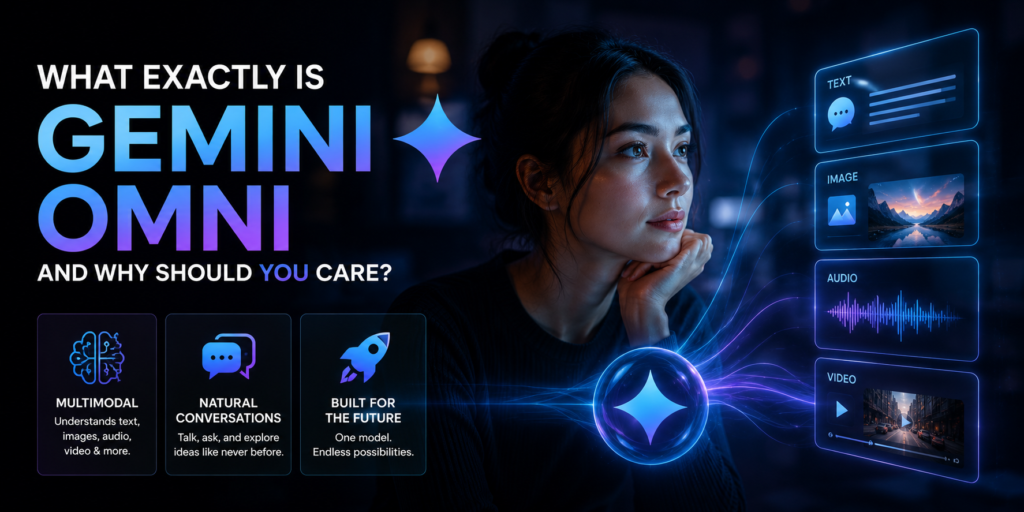
Google’s Gemini Omni is the latest and most capable version of the Gemini model family. What sets it apart isn’t just raw intelligence — it’s the ability to understand and generate across multiple types of content simultaneously. Text, audio, images, and now video — all in one unified system that actually talks back to you like a creative partner.
Think of it this way: before Gemini Omni, working with AI on video meant jumping between different tools. You’d write a script with one tool, generate visuals with another, edit on a third platform, and somehow stitch it all together while losing half your sanity in the process. Gemini Omni collapses that chaos into a single, conversational workflow.
The Video Generation Piece — Here's What's Actually New
Video generation from AI isn’t brand new, but what Google has done with Gemini Omni takes it several steps further than what we’ve seen before.
The system can now generate video content directly from text prompts, and the quality has reached a point where it’s genuinely usable for real-world applications — not just demos at tech conferences. You can describe a scene, a mood, a setting, a character — and Gemini Omni starts building it out with a level of visual coherence that was simply not possible a year ago.
But here’s the part that really matters: it doesn’t just generate and walk away. The model stays in the loop. You can react to what it produces, give it feedback in plain language, and it adjusts. You’re not filling in forms or sliding technical sliders. You’re just talking.
“Make the lighting warmer.” “Cut that middle section down.” “Add a transition that feels more cinematic.” These kinds of instructions — the kind you’d give a human editor over a cup of coffee — now actually work.
Conversational Editing Changes the Creative Game
This is where Gemini Omni separates itself from everything else out there, and it deserves its own spotlight.
Conversational editing means the AI understands the context of your project across your entire session. It’s not treating each prompt like a fresh question. It remembers that you’re building a product explainer video. It knows the brand tone you’ve been going for. It tracks the changes you’ve already made and uses that history to make smarter suggestions going forward.
This matters enormously for anyone who creates content professionally. Writers, marketers, YouTube creators, social media managers, educators — the people who used to spend 80% of their time on logistics now get to spend that time on ideas.
The conversational model also removes one of the biggest barriers to AI adoption: learning curve. You just need to know what you want. The rest becomes a conversation.
Who Is This Actually Built For?
Here’s something Google seems to have gotten right with Gemini Omni — it’s not just a tool for engineers or enterprise customers with massive budgets.
Small creators matter here. A solo YouTuber who wants cinematic B-roll but can’t afford a production crew. A freelance marketer who needs a video ad turned around in 24 hours. A teacher who wants to make an engaging lesson without learning video editing software.
At the same time, it scales up. Studios and marketing teams can plug into Gemini Omni’s capabilities and automate the lower-stakes parts of their workflow, freeing up human talent for the decisions that actually need a human touch.
The range here is genuinely impressive — and Google has clearly thought about accessibility, not just capability.
What About Quality Control and Creative Direction?
One fair concern with AI video generation is that everything starts looking the same. You get a certain aesthetic — clean, slightly sterile, unmistakably AI — and it gets old fast.
Gemini Omni tries to push back against that by giving users more control over style, tone, pacing, and visual direction. The conversational interface means you can be specific. You can push for a grainier, more documentary feel. You can ask for something that looks hand-drawn. You can insist on a particular cultural aesthetic or visual reference point.
Does it always nail it? No — and that honesty matters. AI-generated video still has its rough edges, and Gemini Omni isn’t pretending otherwise. But the gap between “looks generated” and “looks intentional” is narrowing faster than most people expected.
The SEO and Content Marketing Angle
For anyone working in digital marketing, there’s a practical angle here that’s hard to ignore.
Video content continues to dominate search rankings and social algorithms. The problem for most brands isn’t knowing that — it’s the production bottleneck. Creating quality video at scale is expensive and slow.
Gemini Omni’s conversational editing pipeline makes it realistic to produce a much higher volume of video content without proportionally increasing costs or timelines. That means more opportunities to target long-tail video search terms, more content for different stages of the funnel, and faster iteration when something isn’t performing.
From an SEO standpoint, this doesn’t replace strategy — but it removes one of the biggest excuses for not executing it.
What's Coming Next — And Why Now Is the Right Time to Pay Attention
Google isn’t done. Gemini Omni represents a significant step, but it’s clearly part of a longer roadmap toward AI that functions as a true creative collaborator rather than a creative replacement.
The direction is toward more real-time capabilities, tighter integration across Google’s existing tools — Workspace, YouTube, Google Ads — and eventually multimodal experiences that blend live interaction with generated content in ways we haven’t fully imagined yet.
The creators and businesses that start learning how to work with these tools now — rather than watching from the sidelines — are the ones who will be positioned to use the next version and the one after that with fluency and confidence.
The Bottom Line
Google’s Gemini Omni isn’t a gimmick or a preview of something that might work someday. It’s a working system that brings AI video generation and conversational editing into the hands of real people doing real creative work.
It lowers the barrier to entry. It keeps humans in the creative driver’s seat. And it makes video production — long one of the most resource-intensive forms of content creation — actually accessible.
That’s not a small thing. That’s a big deal.
If you haven’t explored what Gemini Omni can do yet, now is a good time to start. The conversation — literally — is just beginning.
Frequently Asked Questions — Google's Gemini Omni AI Video Generation and Conversational Editing
FAQ 1: What is Google Gemini Omni and what makes it different from regular Gemini?
Google Gemini Omni is the most powerful version in the Gemini model family. What makes it stand out is its ability to handle text, images, audio, and video all inside one system — at the same time. Earlier versions of Gemini were strong at text and images, but Omni brings video generation and real-time conversational editing into the picture. Think of it as Gemini growing from a smart assistant into a full creative partner.
FAQ 2: Can Google Gemini Omni generate videos just from a text description?
Yes, and that is exactly what makes it exciting. You type out what you want — a scene, a setting, a visual mood — and Gemini Omni builds it into video content. The quality has moved well past the “demo stage.” Real creators are using it for actual projects, not just experimenting. You do not need to know anything about video production to get started.
FAQ 3: What does conversational editing mean and how does it actually work?
Conversational editing means you talk to the AI like you would talk to a human editor. Instead of clicking buttons or adjusting technical settings, you just say what you want changed — “cut that part,” “make it feel warmer,” “speed up the intro.” Gemini Omni understands plain language instructions and applies them to your video while keeping the full context of your project in mind throughout the session.
FAQ 4: Does Gemini Omni remember what I have done earlier in a session?
Yes — and this is one of the biggest differences between Gemini Omni and older AI tools. It keeps track of your project’s direction, the edits you have already made, and the tone you are going for. You do not have to re-explain yourself every time you give a new instruction. It feels more like working with someone who is genuinely paying attention.
FAQ 5: Do I need technical skills or video editing experience to use Gemini Omni?
Not at all. The entire experience is built around conversation. If you can describe what you want in simple language, you can use Gemini Omni effectively. Google has clearly designed it to be accessible to everyday users — not just developers or production professionals. That is one of the most important things about it.
FAQ 6: Will the videos look generic or obviously AI-generated?
It depends on how specific you are with your direction. When you give Gemini Omni clear guidance — a particular visual style, a cultural aesthetic, a specific pacing — the results can feel genuinely intentional. That said, AI video still has its imperfections, and Gemini Omni does not pretend otherwise. The gap between “looks generated” and “looks crafted” is narrowing fast, but human creative direction still matters a lot here.
FAQ 7: Who is Google Gemini Omni actually built for?
Everyone from solo creators to large marketing teams. A freelance video editor who needs fast turnaround. A teacher building engaging lesson content. A brand manager who wants more video output without ballooning the budget. It scales from individual use all the way up to enterprise-level production workflows. Google seems to have built it with real breadth in mind, not just power users.
FAQ 8: How can Gemini Omni help with SEO and content marketing?
Video content performs better in search and on social platforms — that is well established. The problem for most businesses has always been the cost and time involved in producing it consistently. Gemini Omni removes a big part of that bottleneck. You can produce more video content, target more search terms, and move faster on campaign ideas without needing a full production crew behind every piece.
FAQ 9: Will Gemini Omni work with other Google products like YouTube or Google Workspace?
Yes, and this integration is already underway. Google is building Gemini Omni’s capabilities into Workspace tools like Docs, Slides, and Gmail, as well as YouTube and Google Ads. The long-term vision is an intelligent creative layer that works across everything you already use inside the Google ecosystem — not just a standalone tool you have to open separately.
FAQ 10: Is it worth learning Gemini Omni now or should I wait for a better version?
Start now. The creators and businesses that build familiarity with Gemini Omni today will be the ones who move fastest when the next version drops. AI tools improve rapidly, and each update tends to reward users who already understand the basics. Waiting for “perfect” means starting at the back of the learning curve every single time a new release comes out.

Ghananand is the Founder & Chief Editor of NewzStrome. Hailing from Prayagraj, Uttar Pradesh, he brings 1.5 years of hands-on experience in journalism and digital media. He delivers sharp, unbiased, and timely news from India and across the globe. Passionate about investigative reporting, technology, politics, and lifestyle, Ghananand is committed to bringing readers nothing but the truth